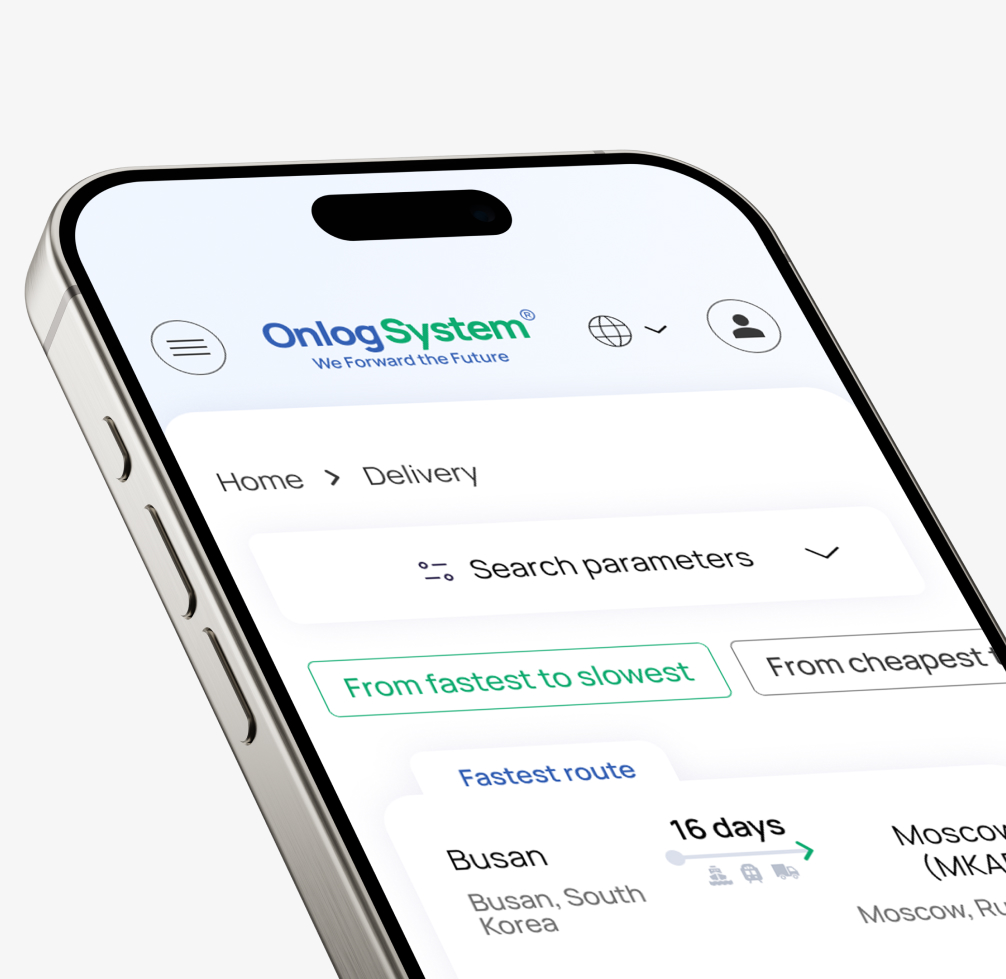
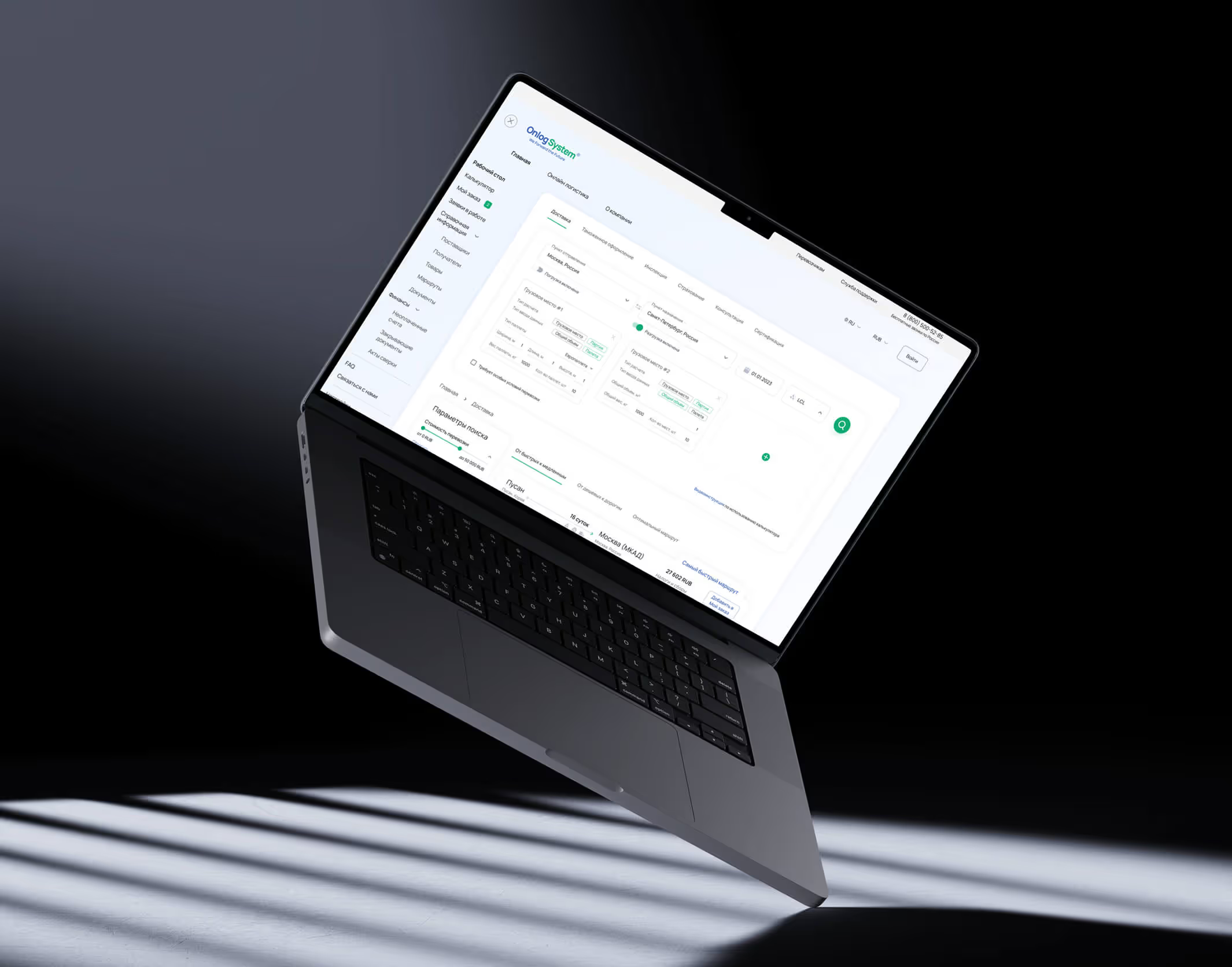
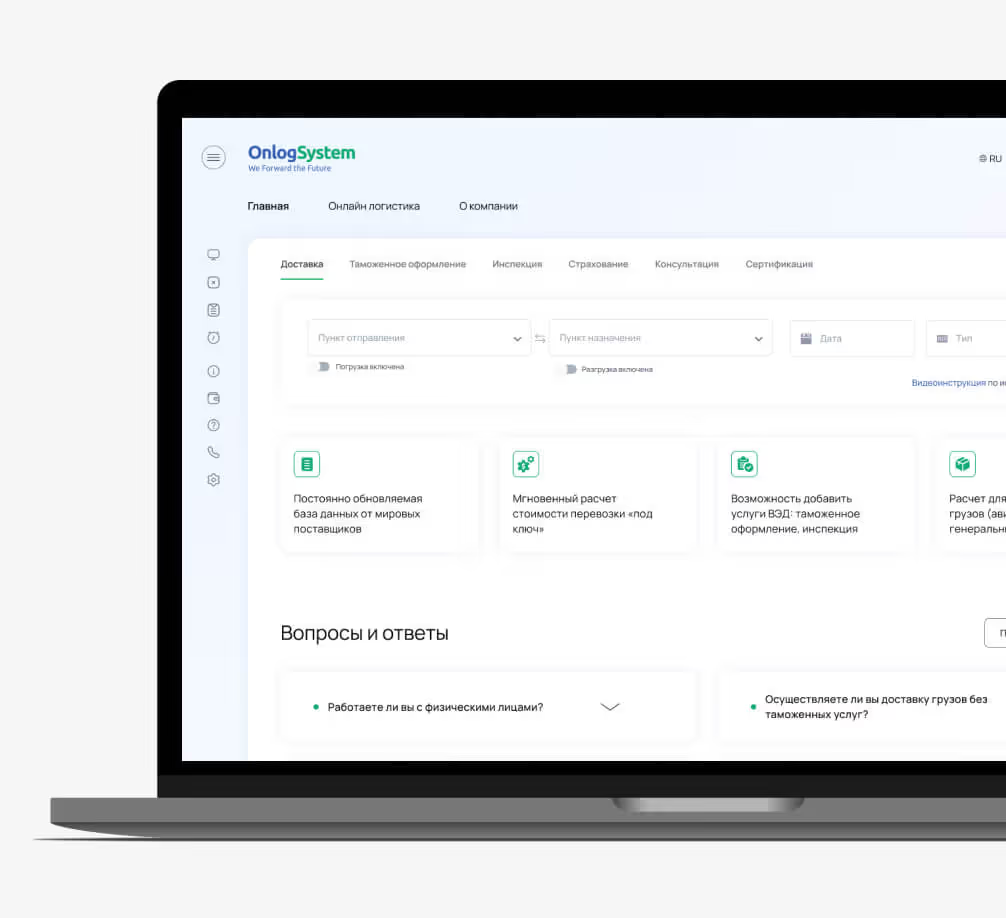
Onlog System is a logistics company specializing in B2B international transportation. The company set out to fully automate the process of placing orders for international cargo shipments.
Problem
International cargo booking is a manual and fragmented process involving multiple parties, endless email threads, and days of coordination.
The main challenge was to bring hundreds of highly specific logistics scenarios into a single, clear interface — without overwhelming professional users with unnecessary complexity.
Solution
A web service that transforms complex cargo shipping into a simple digital experience. Users enter their shipping requirements, and the system automatically generates optimized multimodal routes — bringing the simplicity of travel booking platforms to enterprise logistics.
Impact
↑110%
page depth (1.45 → 3.04)
↓37%
bounce rate (18.35% → 11.56%)
↑34%
time on site (1:27 → 1:57)
Design process
Research
Conducting Interviews, Mapping Offerings & Defining User Journeys
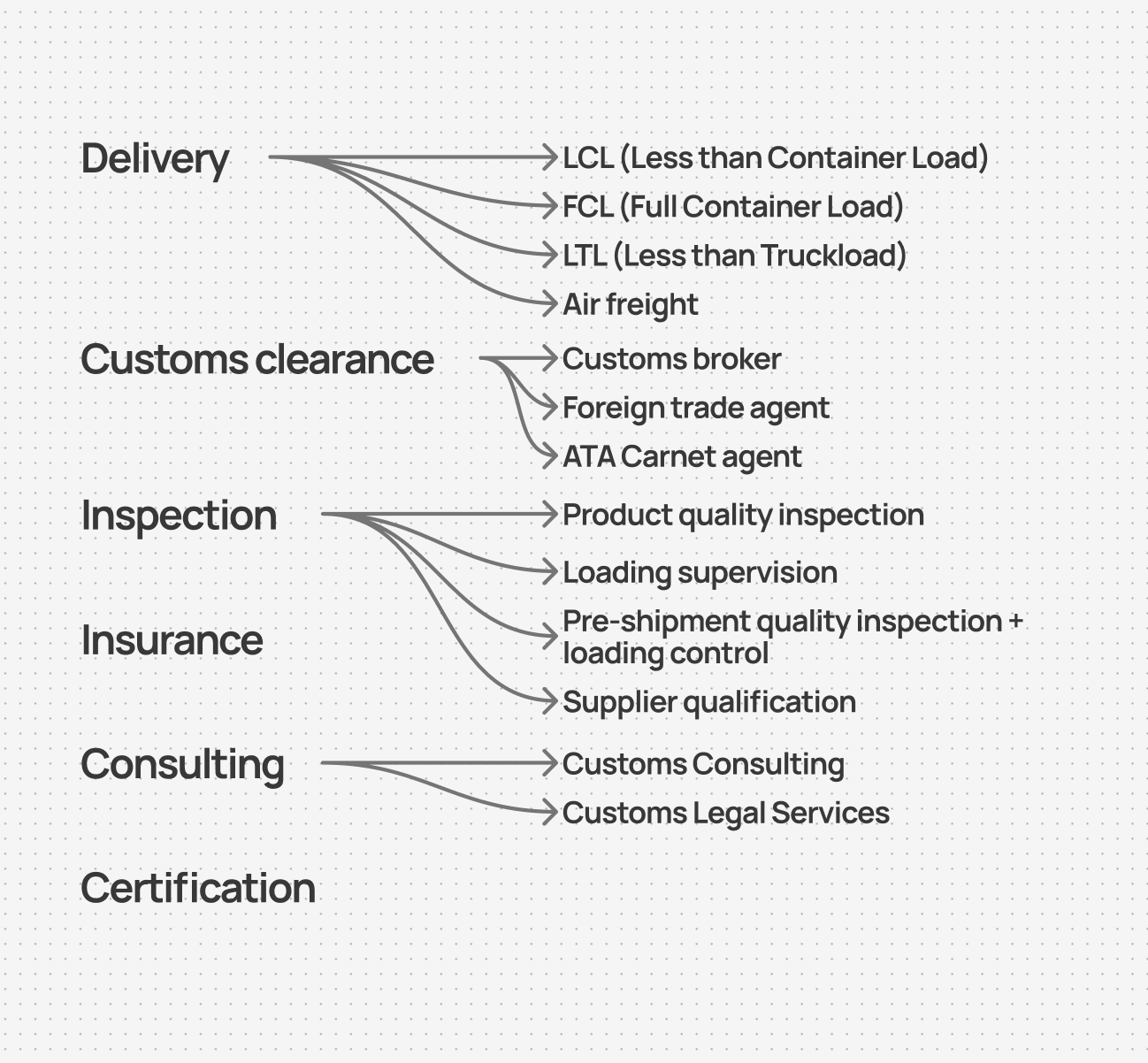
To understand the overall product structure, I worked with the client to map all the services provided by the company.
The result was a service tree covering logistics, customs, inspection, and related services. This structure became the foundation for the information architecture and the core user journey.
Offering map
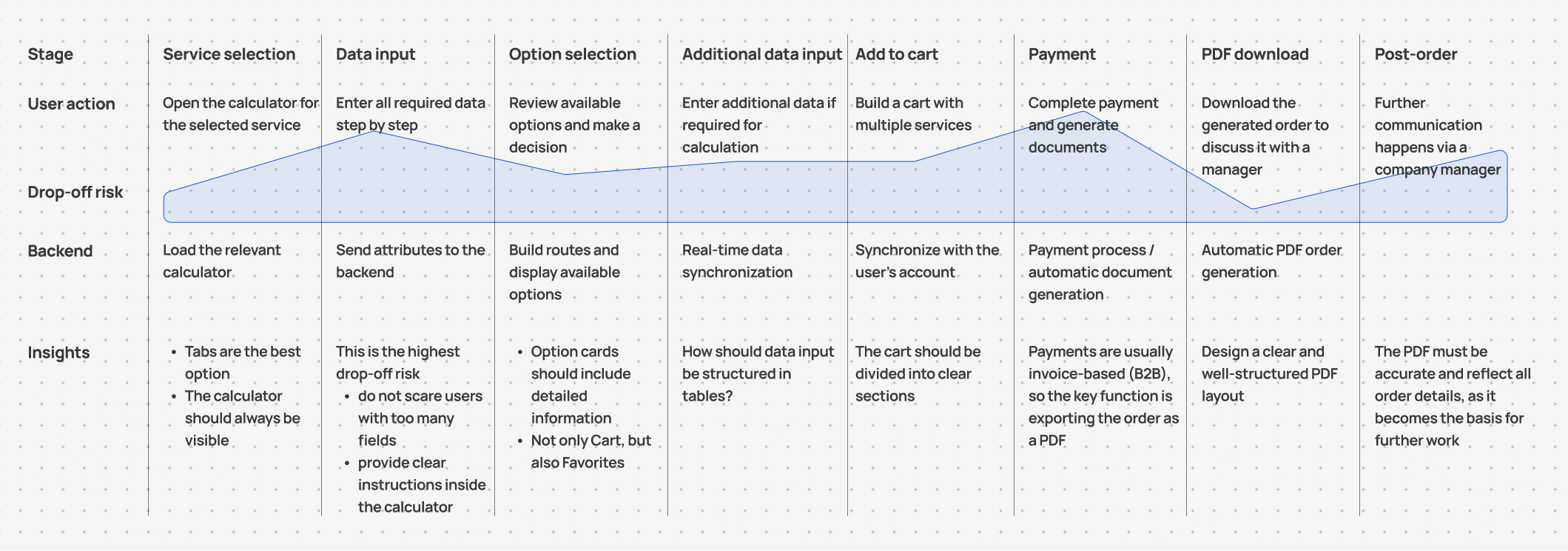
Based on the service map, I designed the main flow from selecting a service to configuring the shipment and submitting an order:
User Journey Map (simplified)
Wireframing and Testing
Implementing the Journey
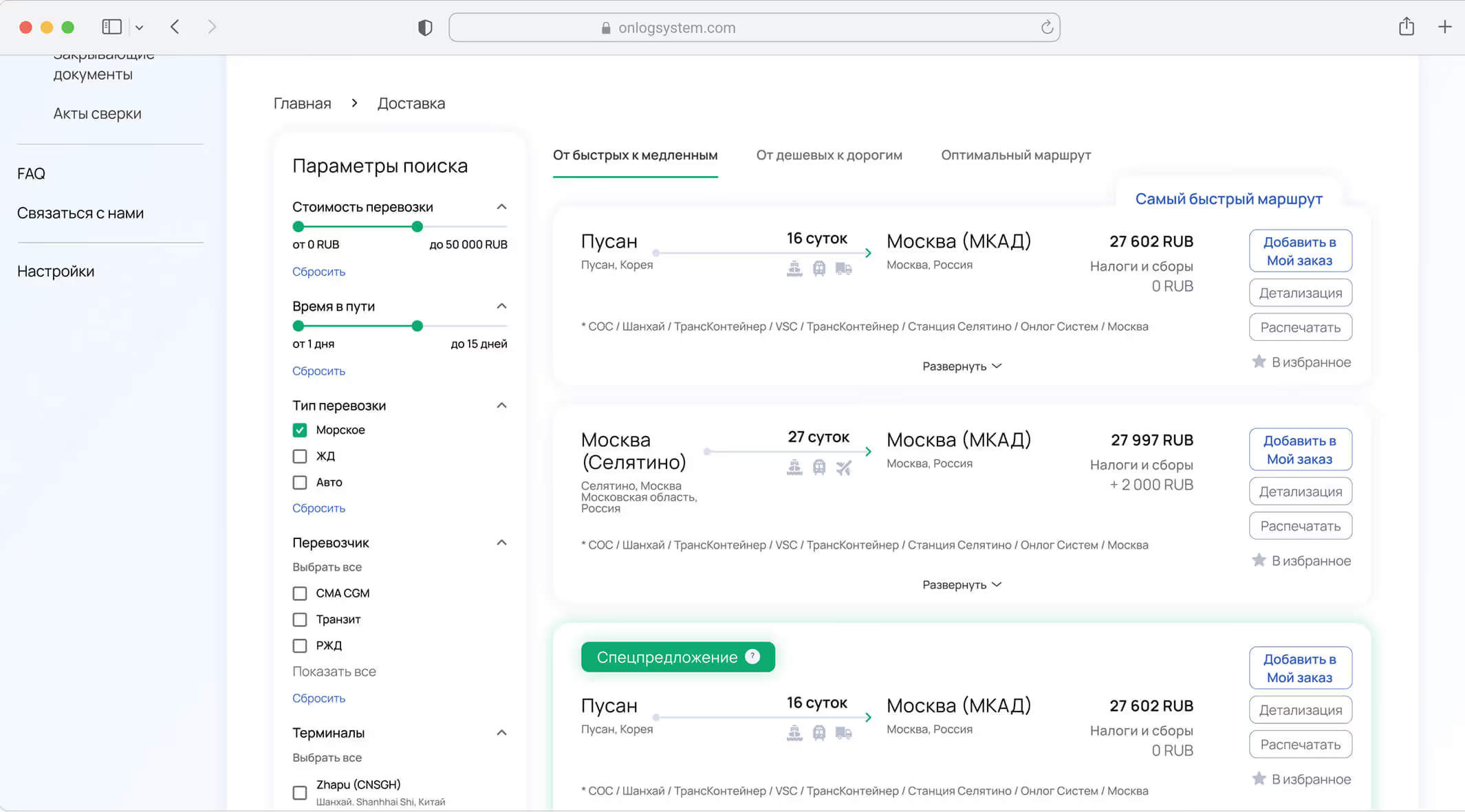
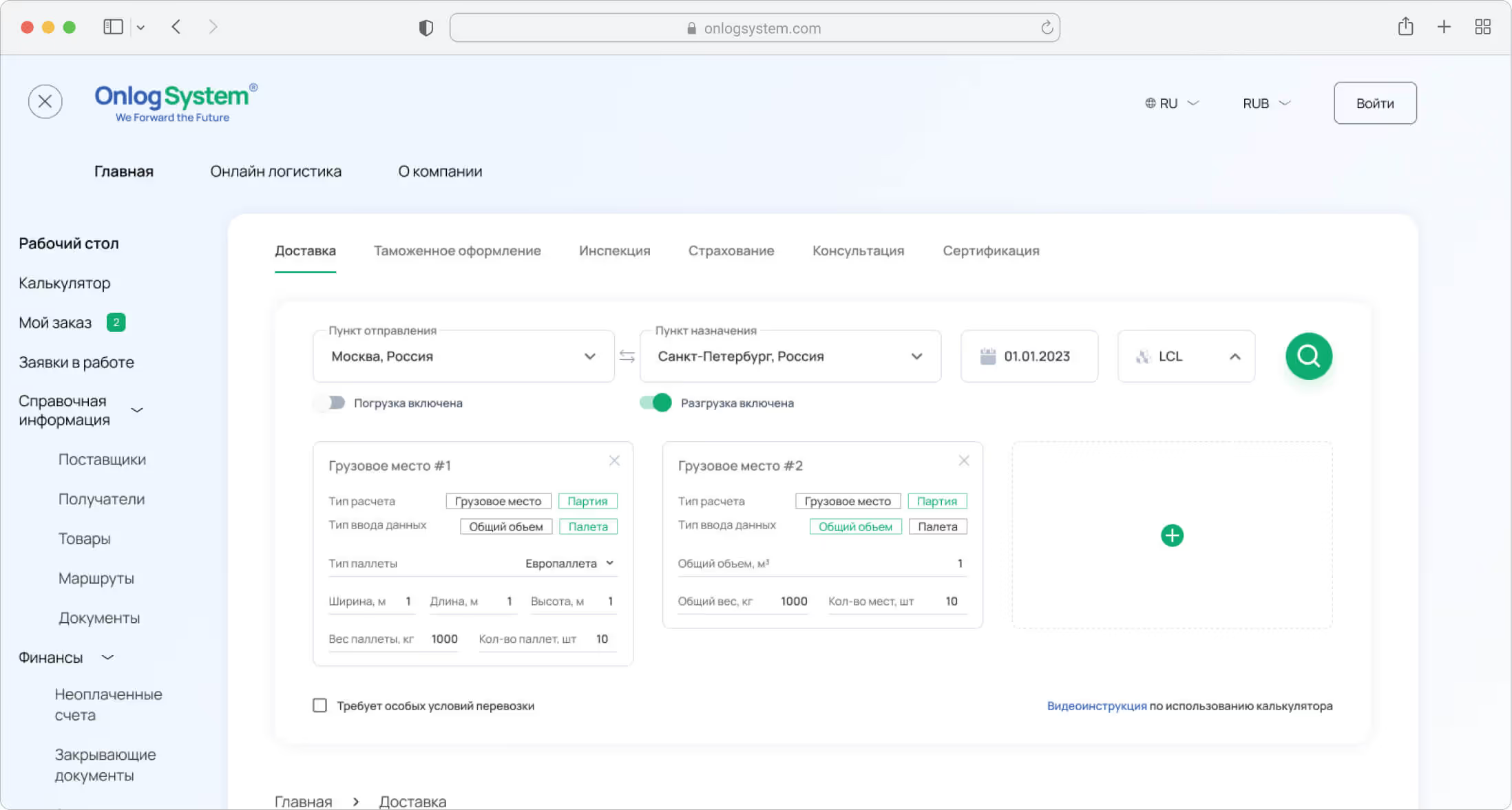
At the interface level, each service page was structured around two primary areas: → Calculator — where users enter shipment and service details → Results — where available options are displayed based on their input
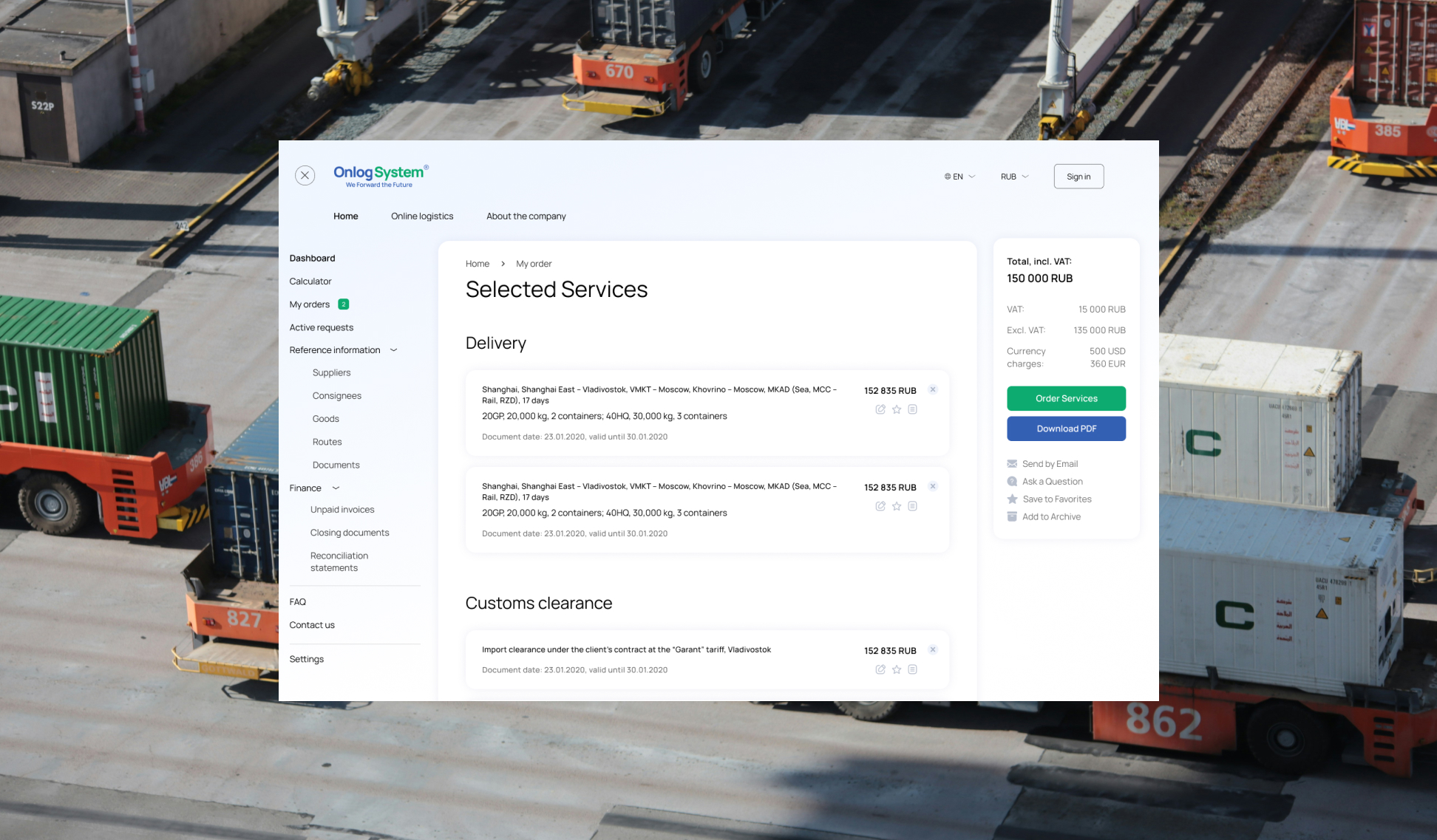
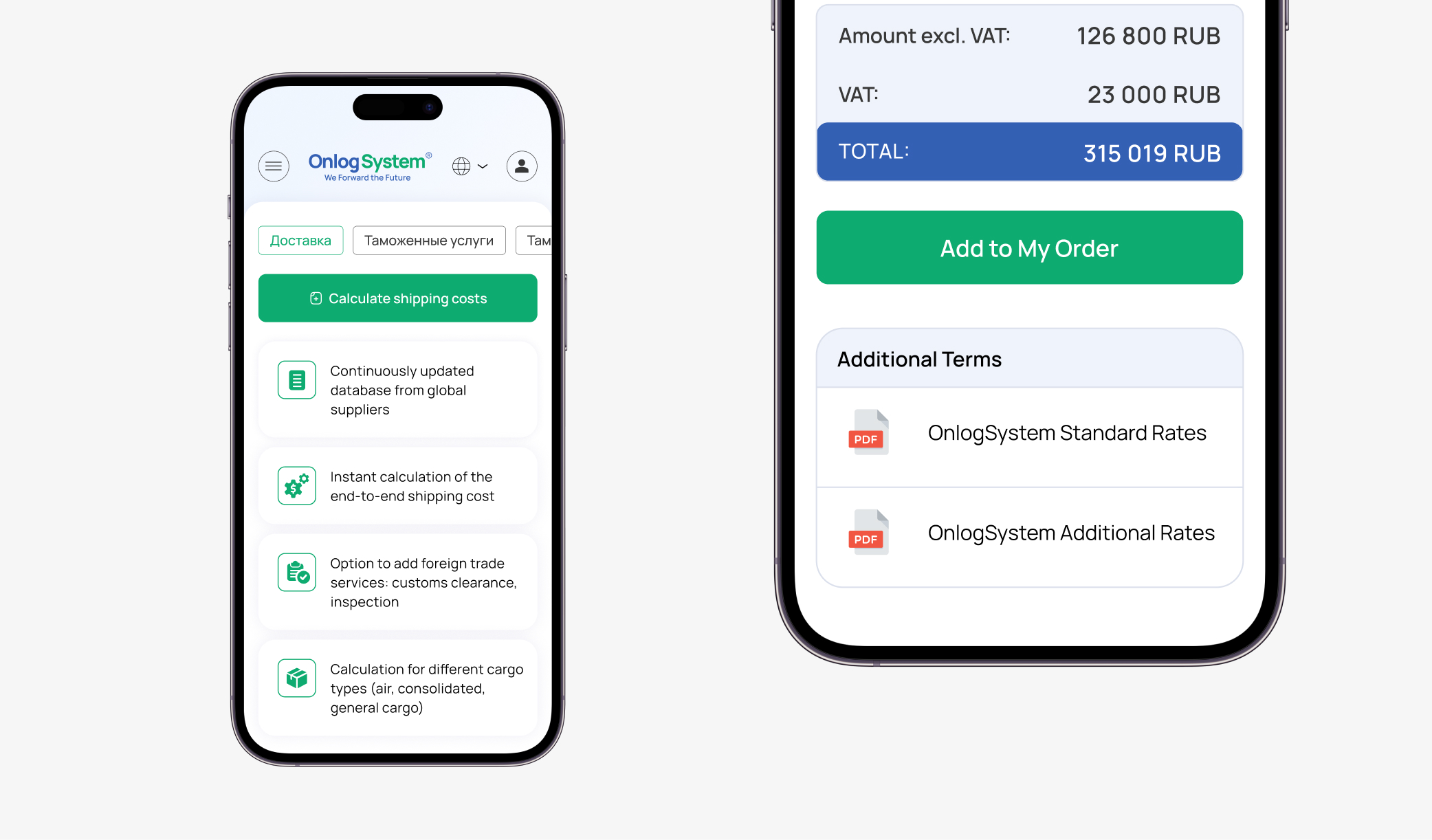
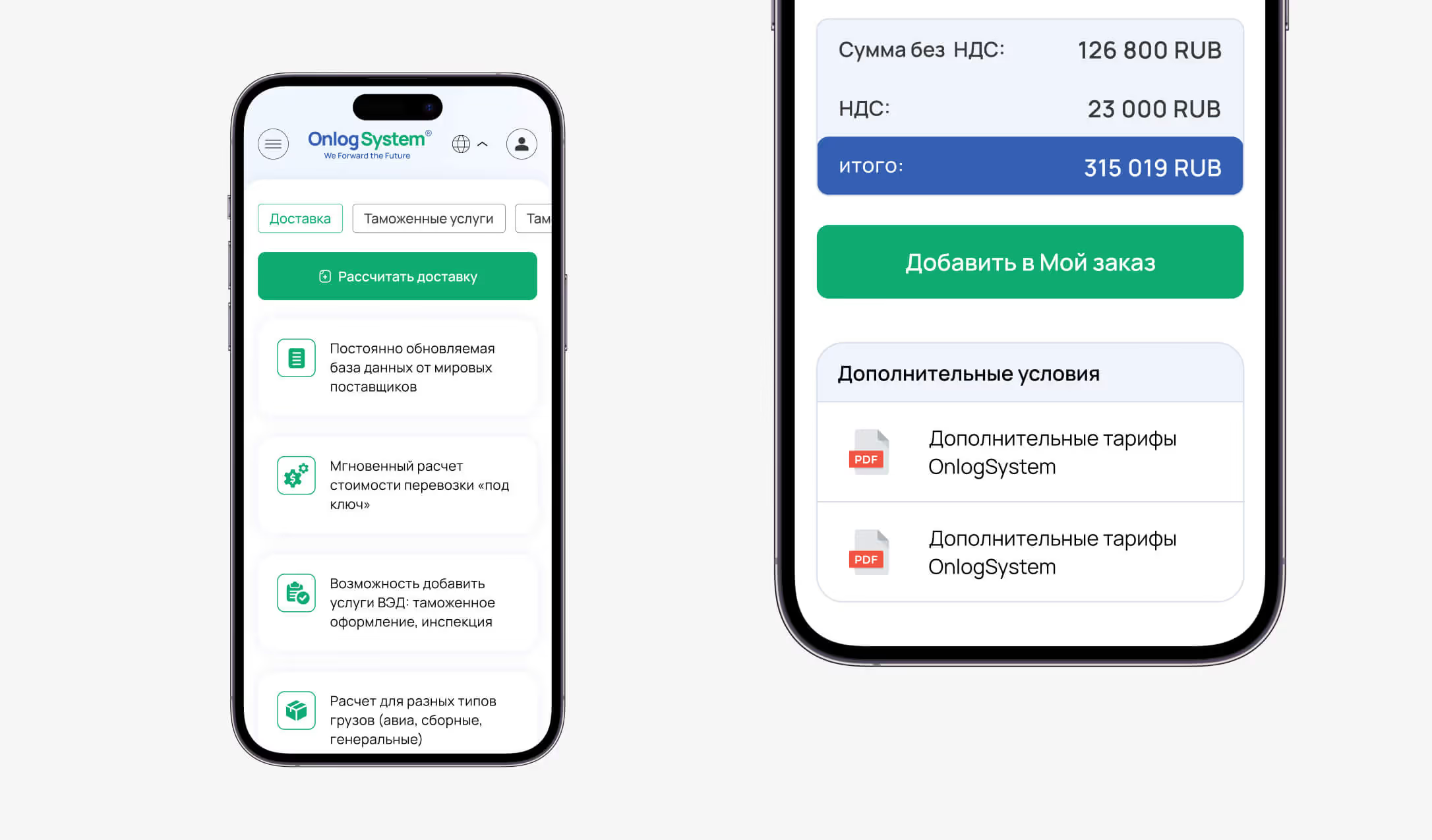
After selecting the required services, users move to a cart organized by service category. From there, they can either: → Submit a request and wait for a manager to follow up → Download a PDF order summary and complete the process offline
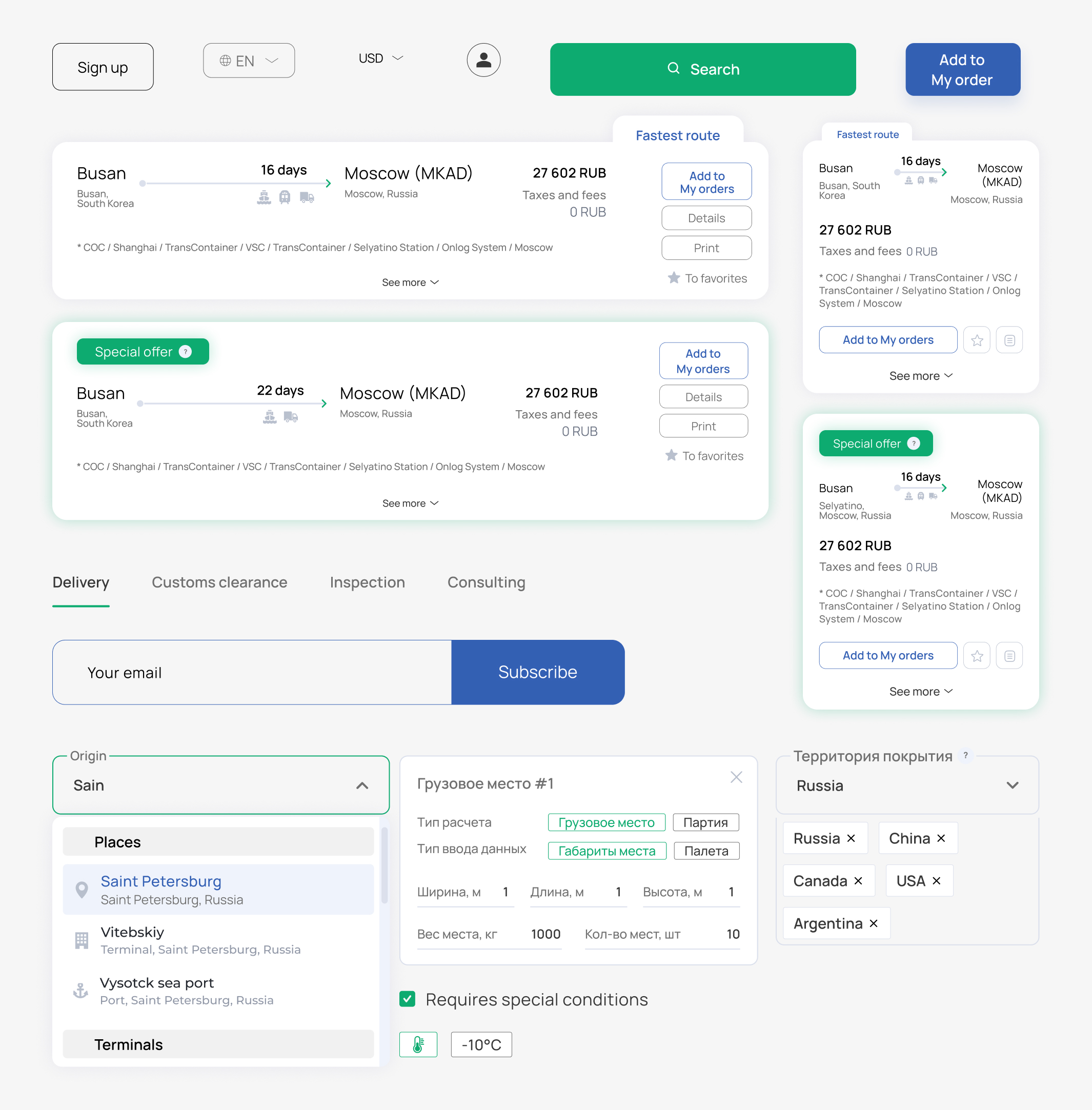
Main interface elements
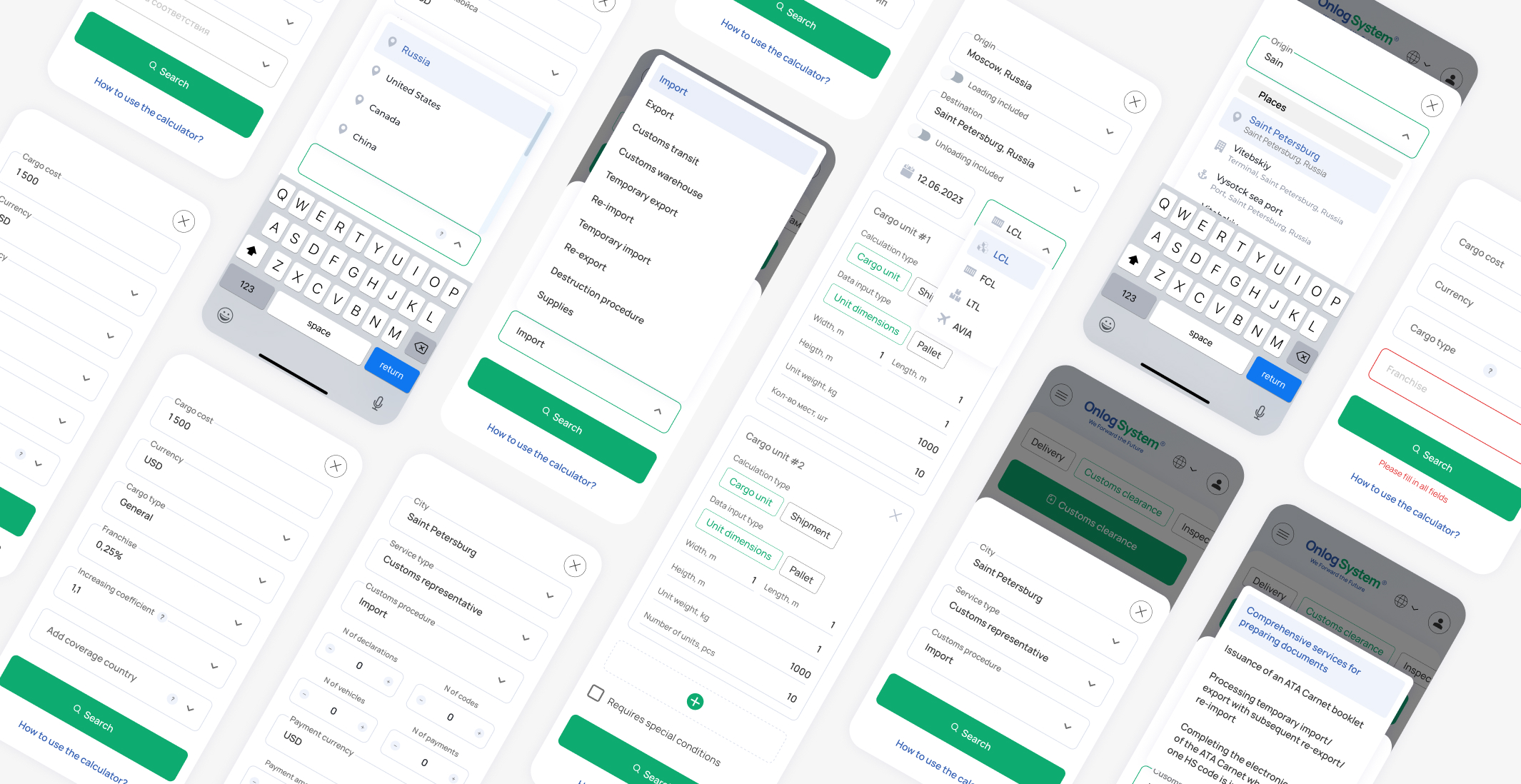
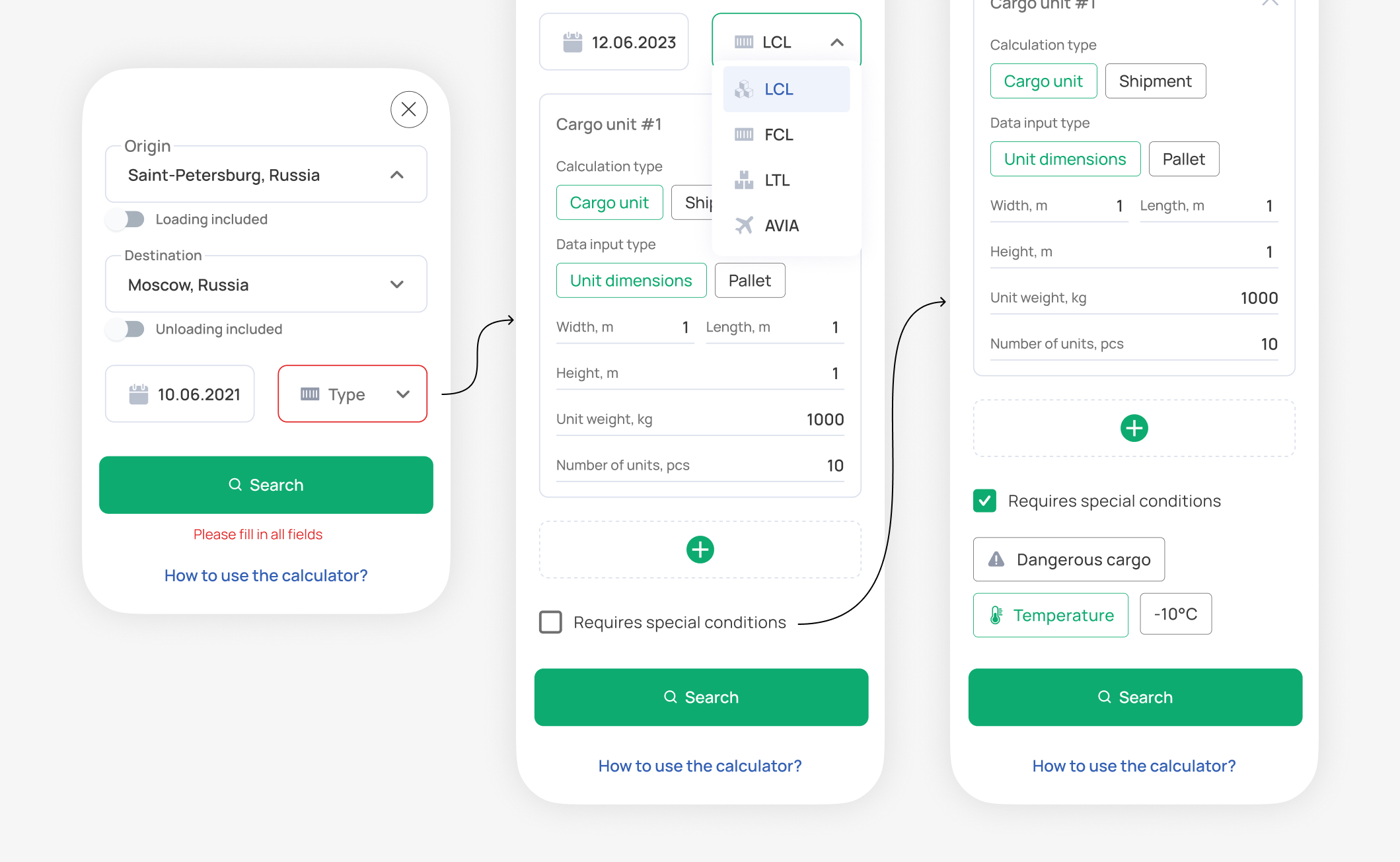
Mobile calculator input flow
Iterating and developing
New UX Decisions: Increasing Complexity (as Users Asked)
To validate the initial solutions, I conducted three interviews with the company's potential customers. The research revealed an important challenge: the users were not typical consumers, but professional logistics specialists who already understood the information required to arrange a shipment.
Main challenge — specific context
When designing the calculator, I initially tried to break the process into simple sequential steps to reduce cognitive load.
Professional users found this approach frustrating. They expected to see all the relevant information upfront and questioned why the system was not asking for data they knew would eventually be required.
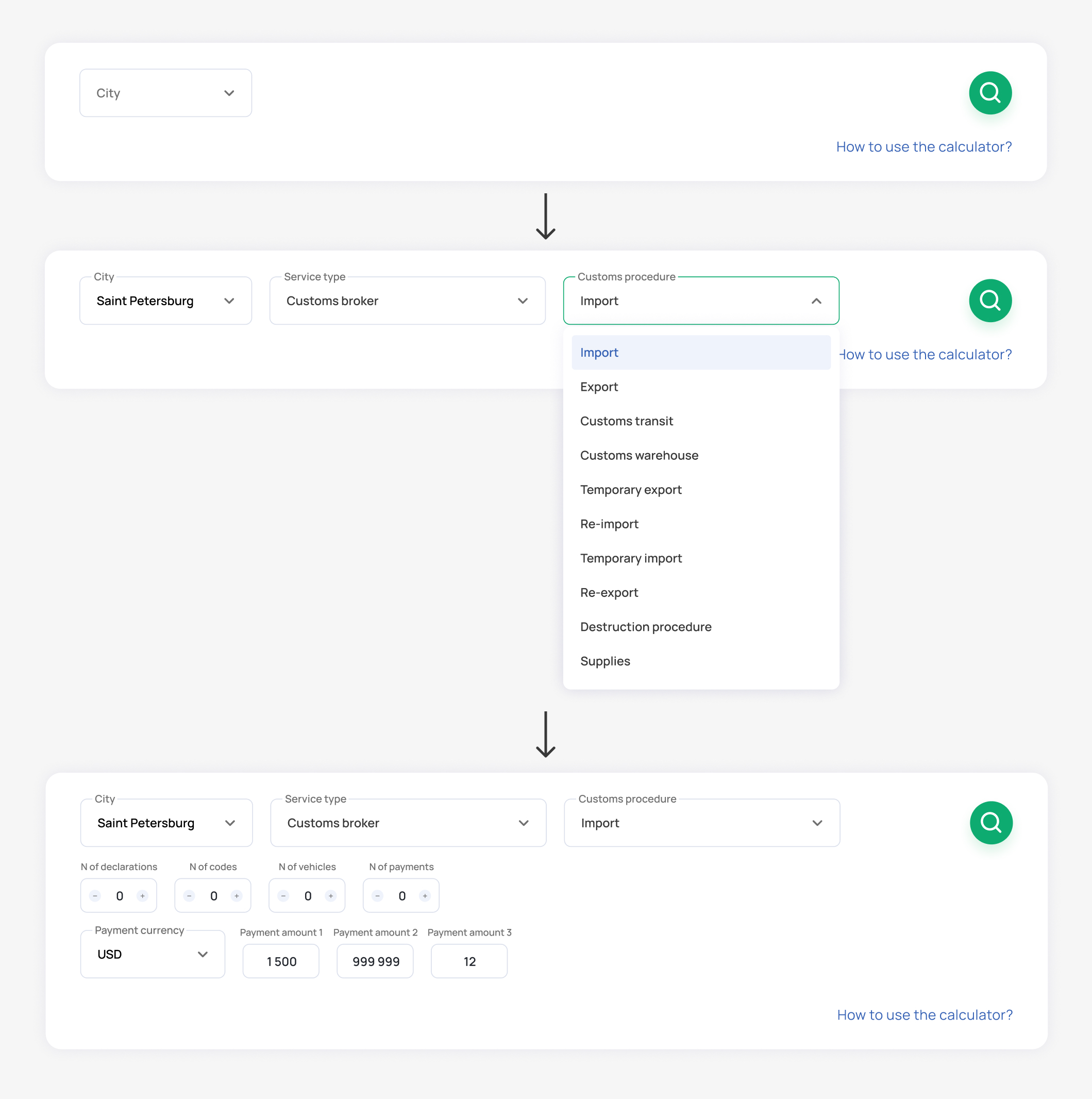
The solution was a dynamic calculator: new input fields appear instantly based on the user's selections.
On example of Customs clearance flow: User selects a city → If the service is available in that location, the fields Service type and Customs procedure appear → Depending on the selected values, additional input fields are revealed dynamically.
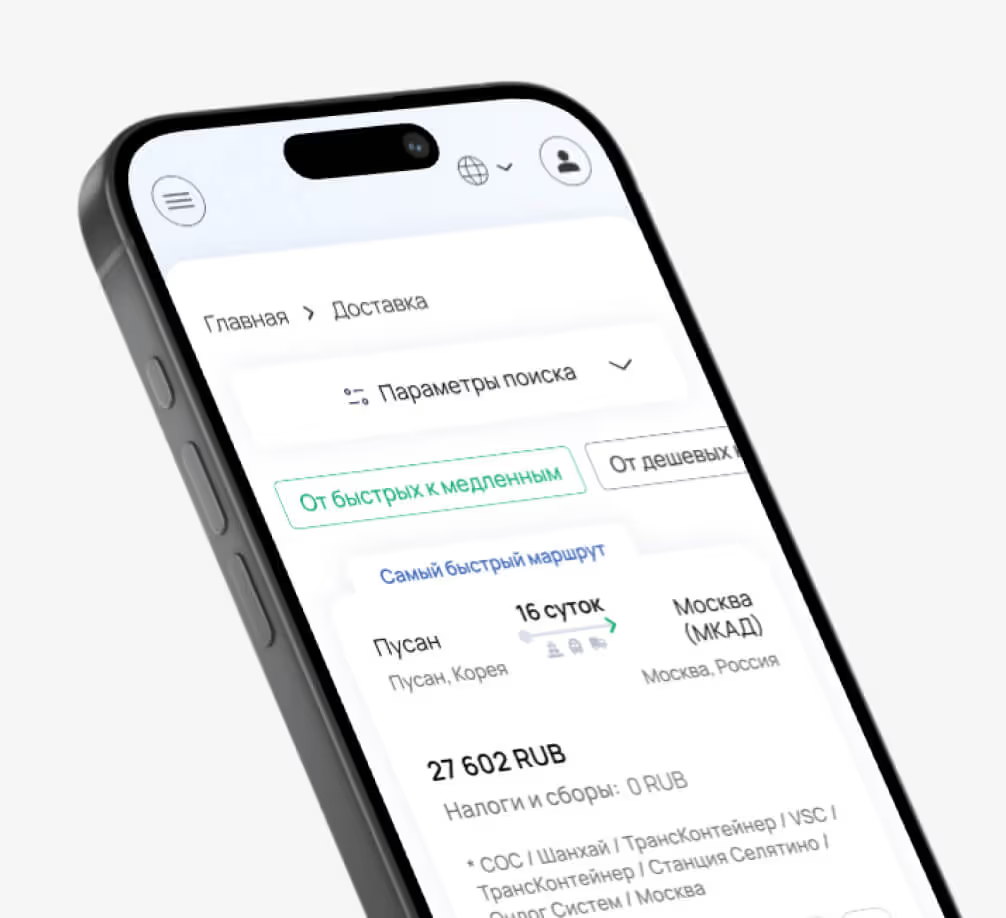
On the example of the Delivery flow (mobile): the user selects the origin and destination cities → selects the cargo type → input fields relevant to the selected cargo type appear → when special conditions are required, additional fields for transportation requirements are revealed.
Delivery order flow — interface demo
interface improvement
Solving Complex UI Challenges
Handling dynamic data in tables
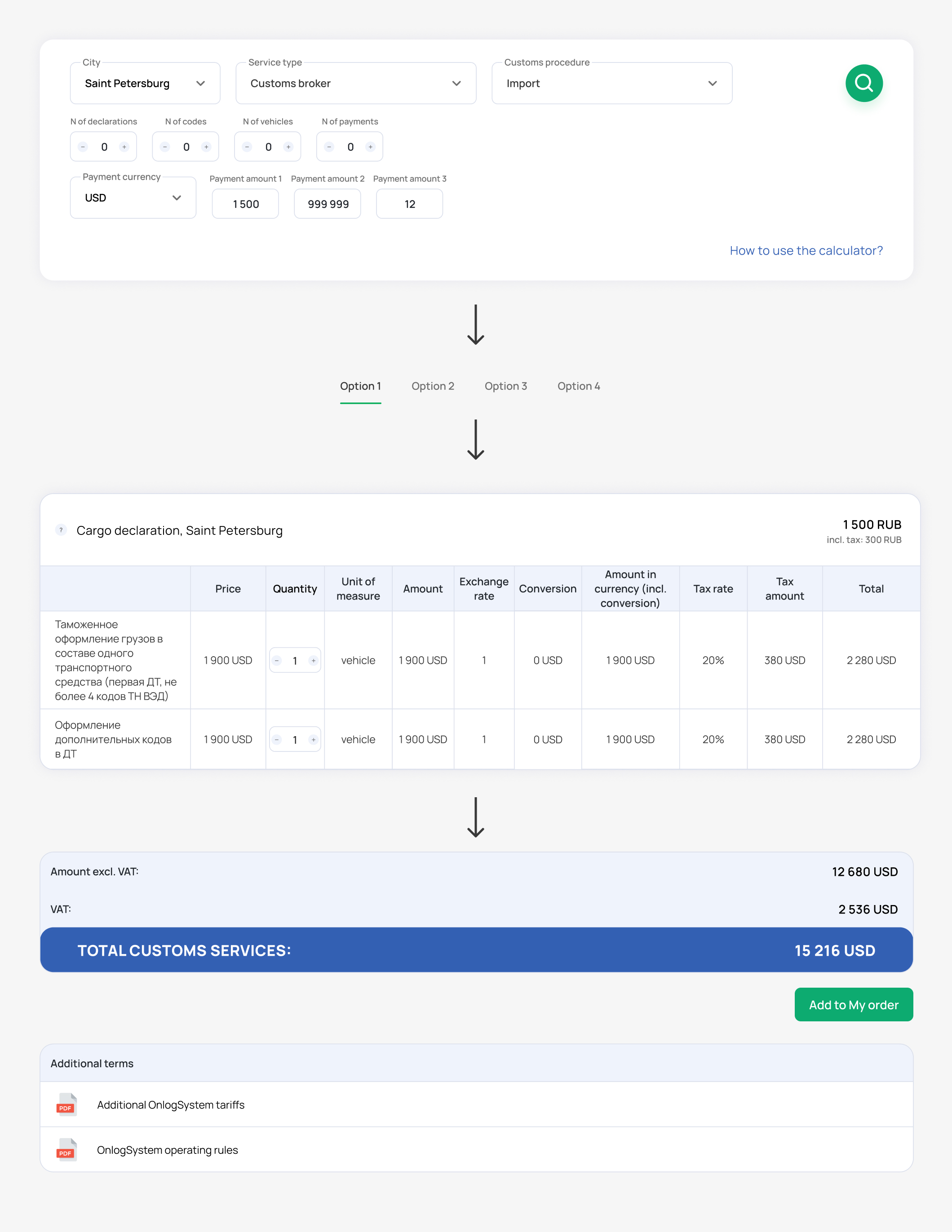
For some services, users needed not only to enter calculation parameters upfront, but also to update and extend them dynamically throughout the flow. To address this, I designed an alternative page layout for selected services. Instead of presenting options as cards, I organized them into separate configurations using tabs. Each configuration was built around a set of dynamic tables that could be updated as the user progressed.
Customs services page — key interface elements and interaction sequence
Designing for the actual business process
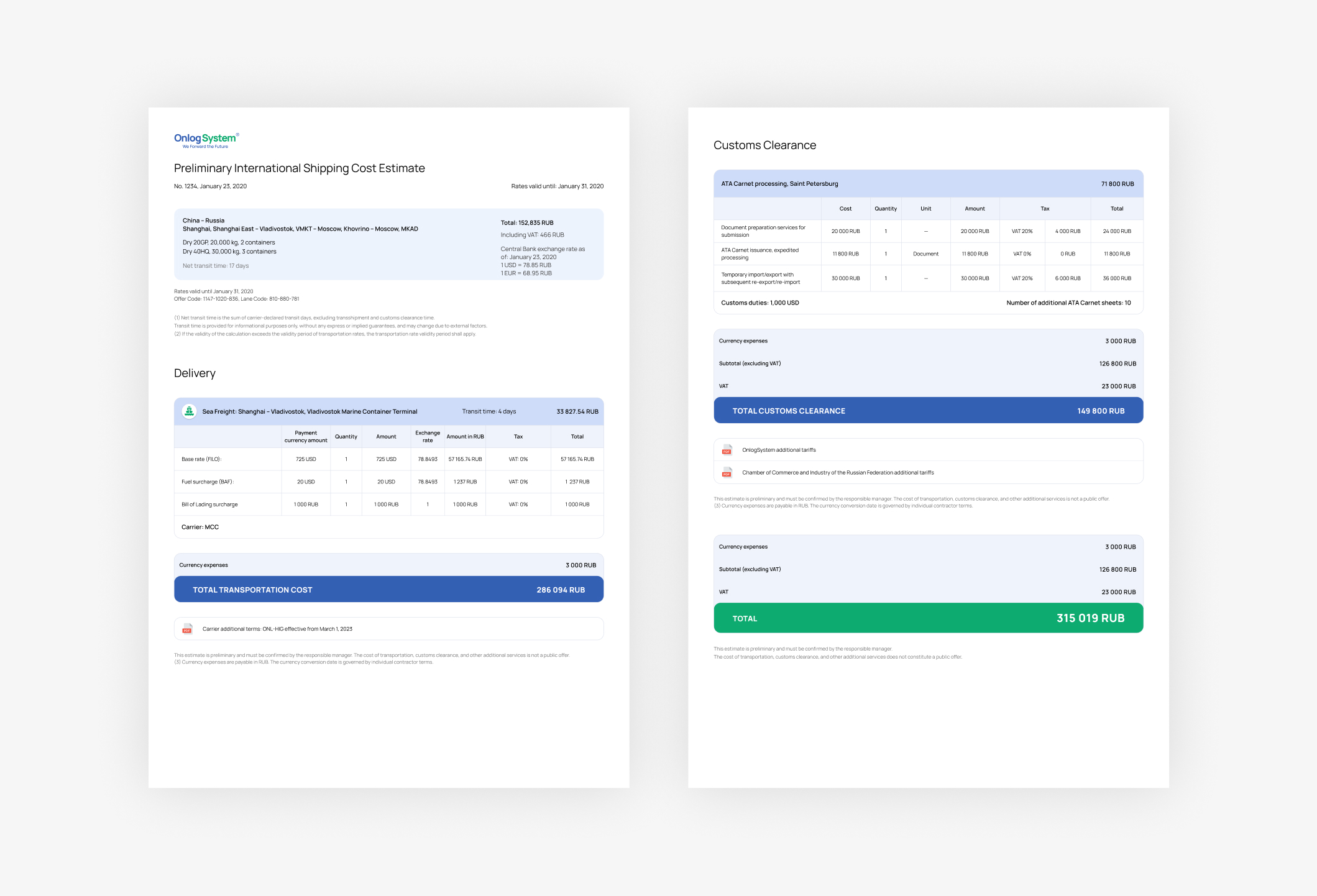
Customer interviews also revealed an important insight: in most user flows, the final step is not an online payment, but generating a PDF containing all order details for further contract processing with a manager.
Based on this insight, I simplified the interface elements that would be transferred to the document and designed a final PDF layout containing all the necessary order and legal information.
Customs services page — key interface elements and interaction sequence
final design
Outcome
After completing the design, I stayed involved throughout development, working closely with the developers to ensure the final implementation matched the intended experience.
The result was the launch of a fully functional logistics platform.
Three months after launch, I evaluated the impact: